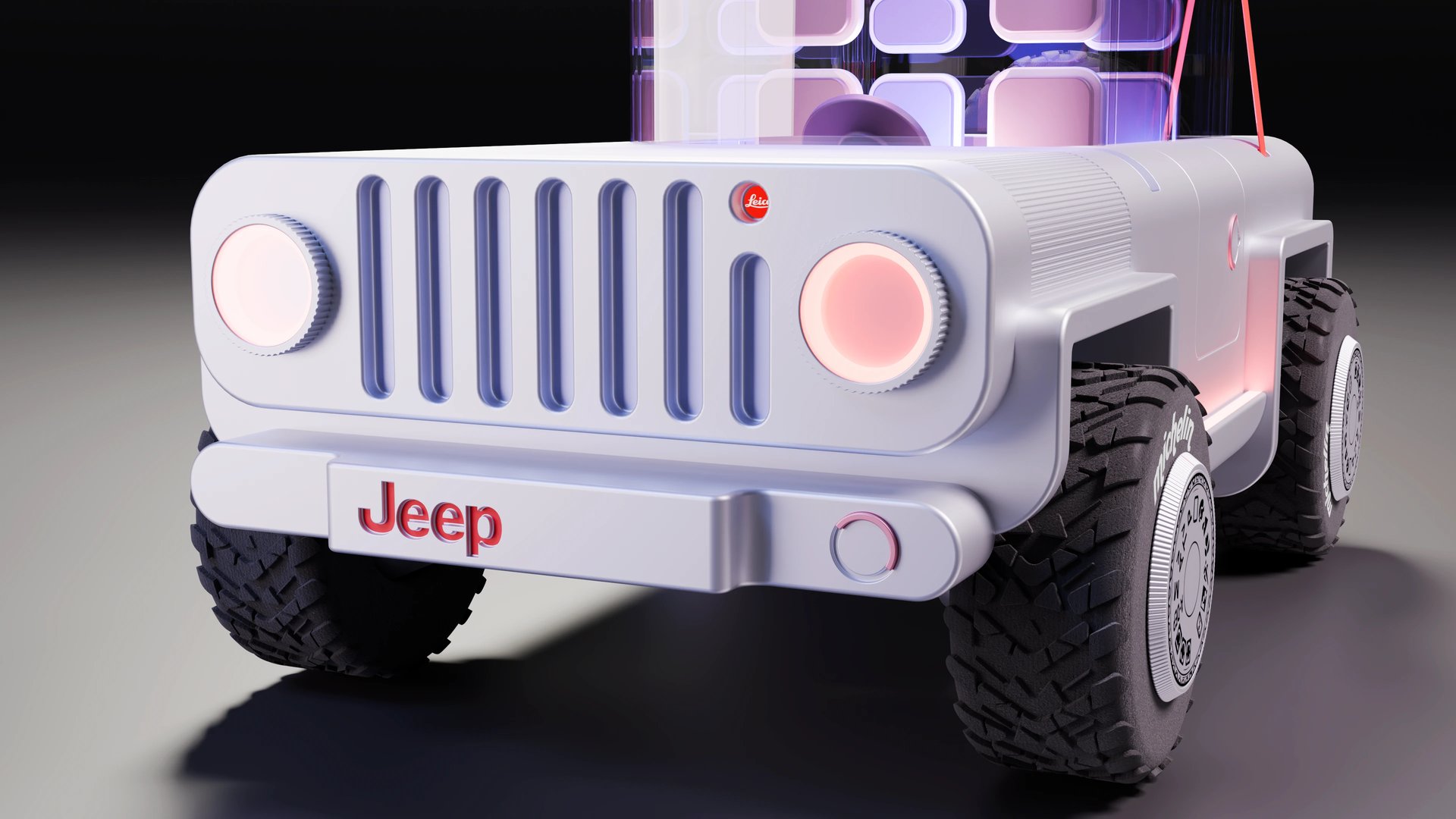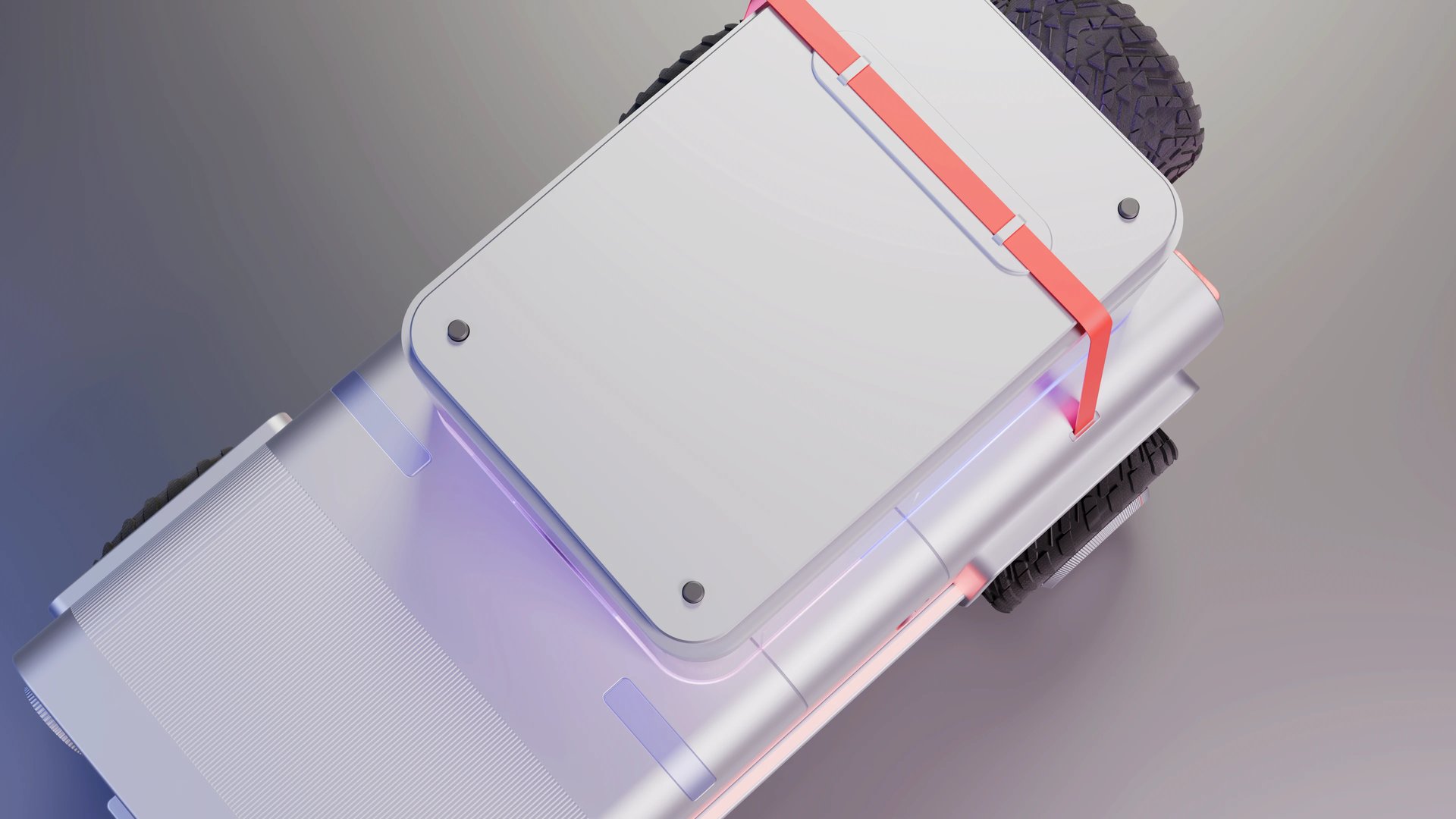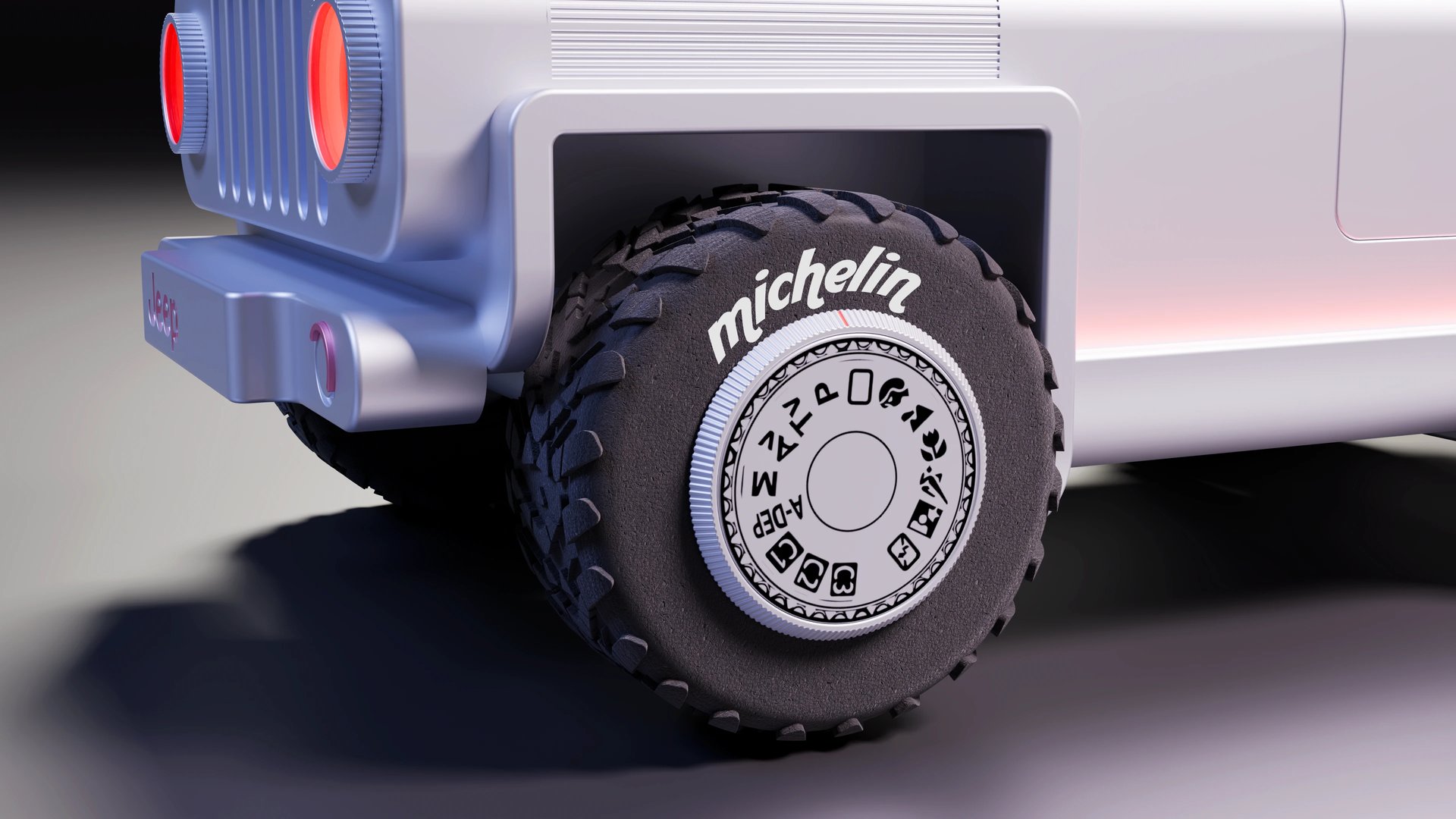
Top rated by 200+ 3D designers
★★★★★
Free course - Zero to Render
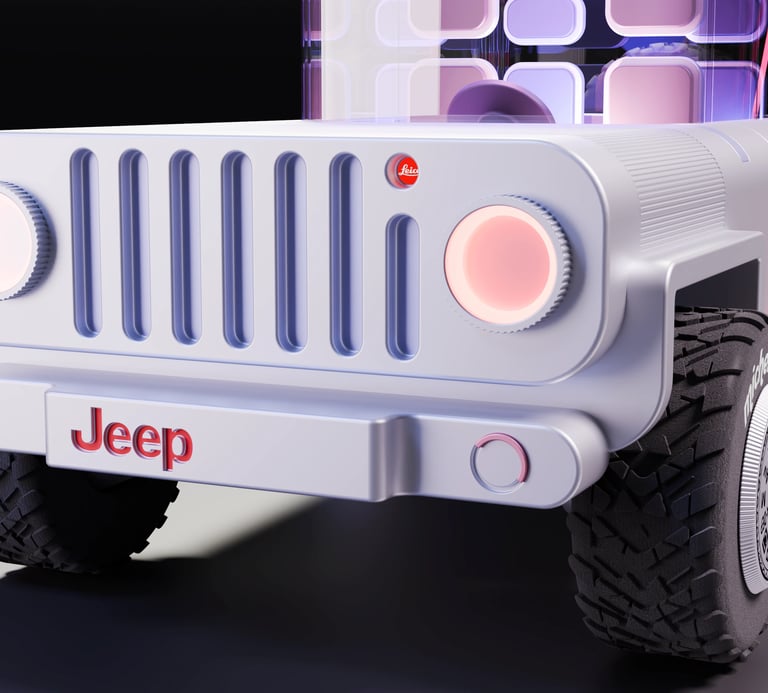
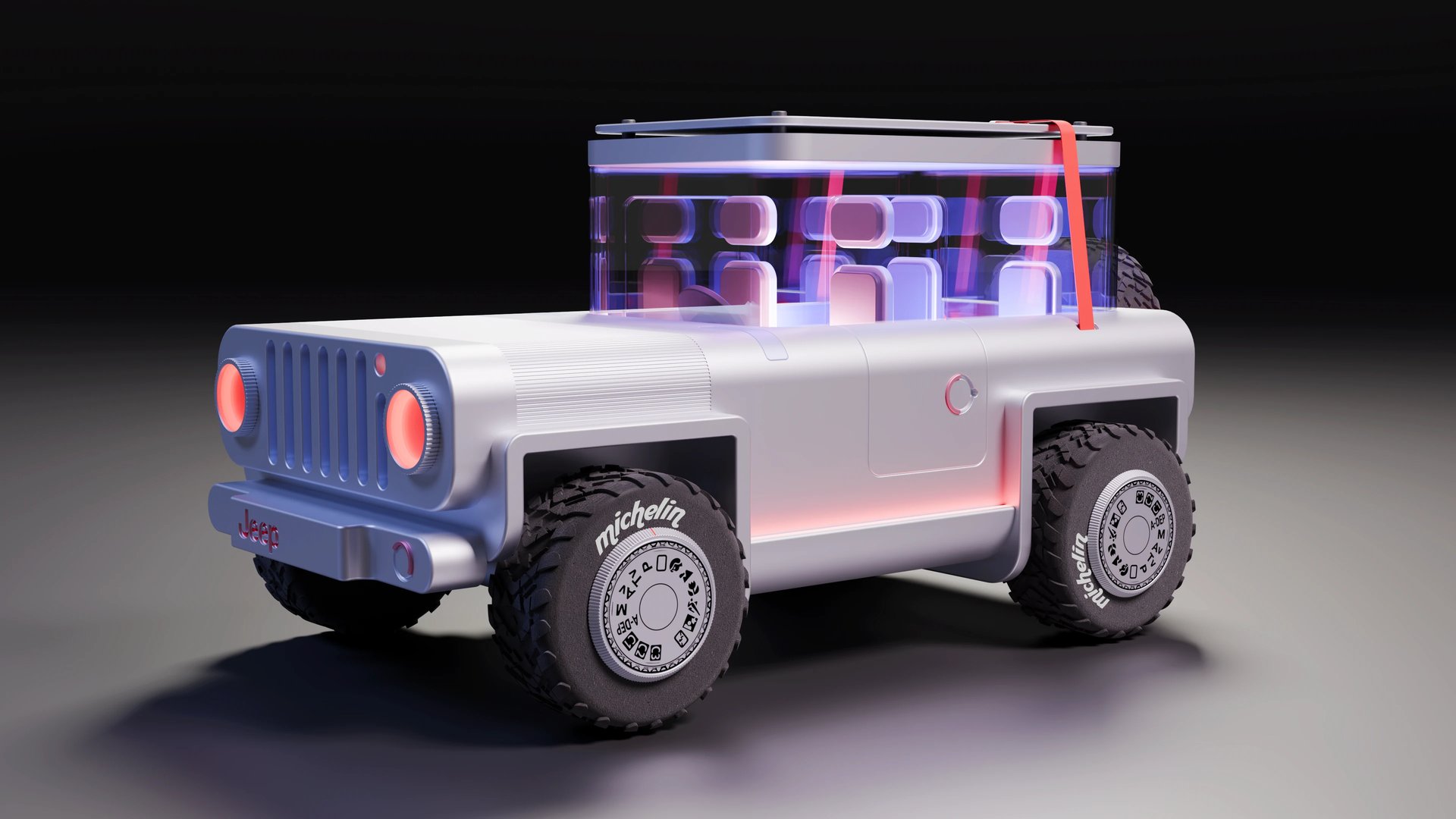
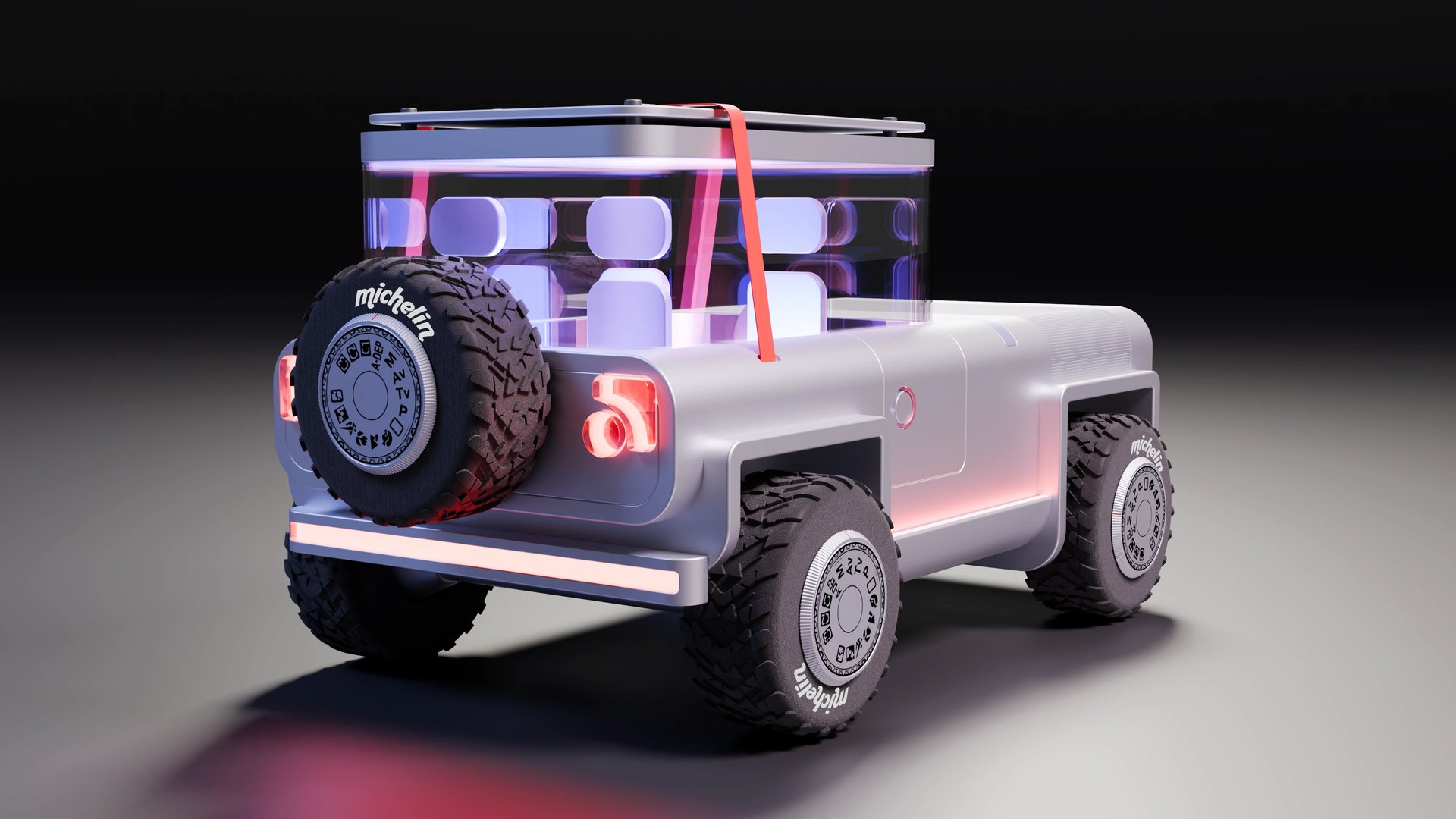
Model a car
Start Today!
Ship in 15 modules.
What's inside the 3D community:
Full Zero to Render course — 15 video lessons
Gemini build helper — AI assistant trained on Plasticity docs
AI personal growth coach (you don't need an AI subscription)
Exclusive access to my tutorials before they're publicly available
Early access to upcoming paid courses
CG news and what's going on within the industry
A complete Plasticity-to-Blender workflow for hard-surface designers. No fluff — just the tools, techniques, and renders that actually matter.


1
2
Plasticity + Blender
15 focused lessons
3
Free forever
Build your own dreams
Or someone else will hire you to build theirs. Here is how you can take action – starting today.
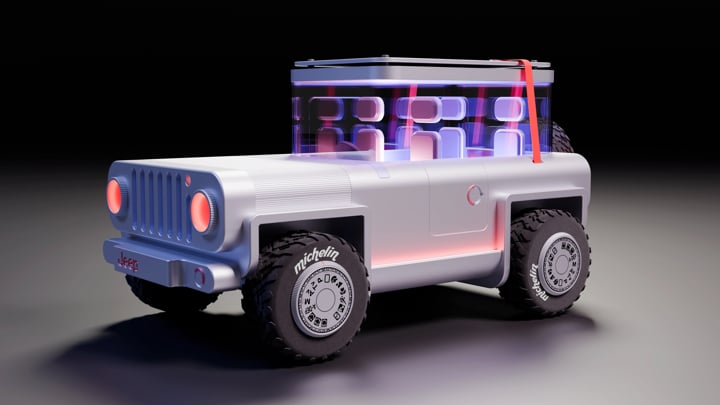


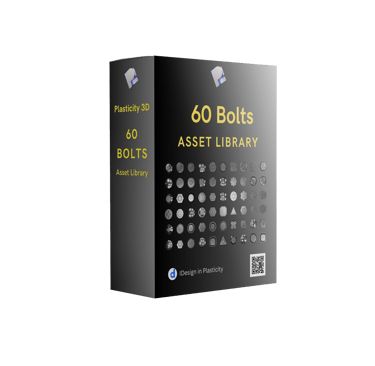


Modules
MODULE 1. Install Plasticity 3D
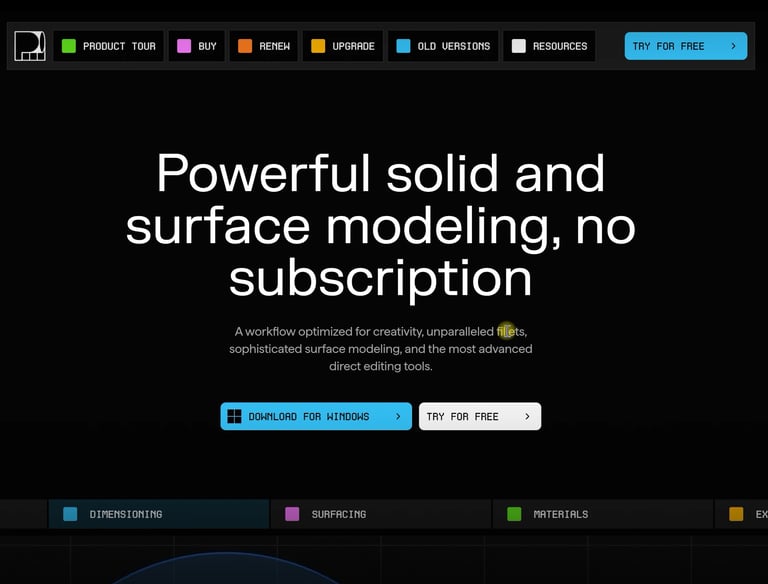
I'll explain how to download and set up Plasticity 3D + Pure Ref
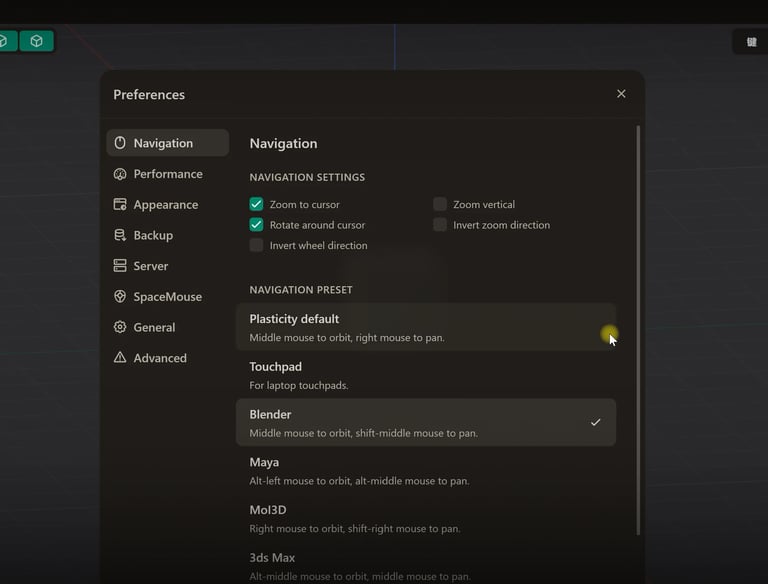
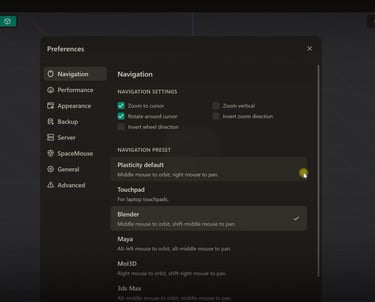
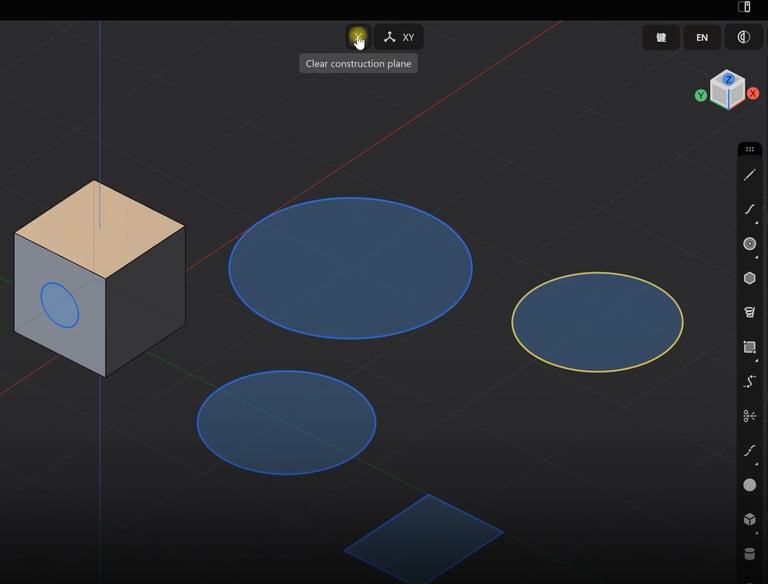
MODULE 2. Explaining Preference section
We will go through preferences and settings.
You'll become familiar with the UI and basic operations in Plasticity 3D
MODULE 3. UI introduction in Plasticity 3D
MODULE 4. Side panel in Plasticity 3D
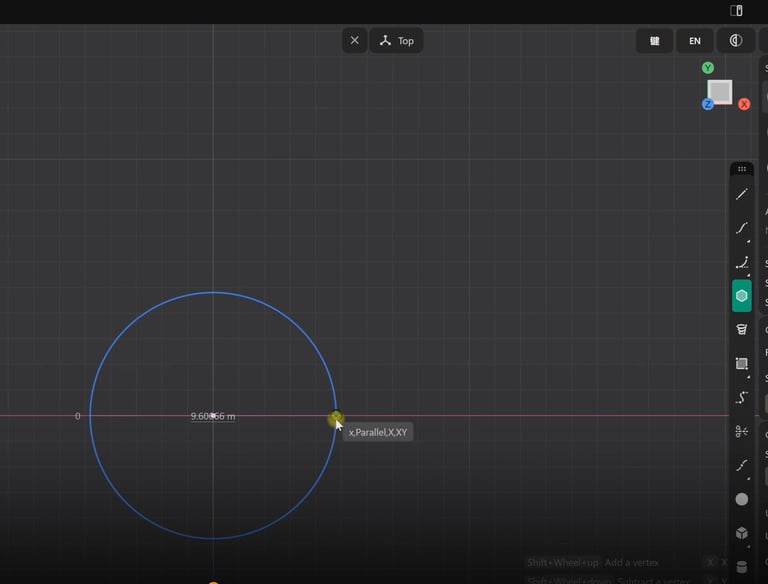
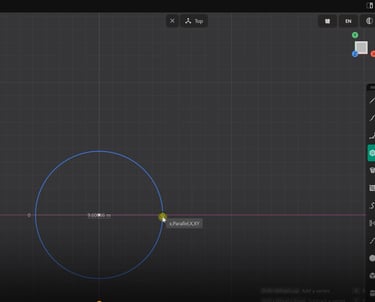
We're gonna explore the side panel tools and how to use each of them.
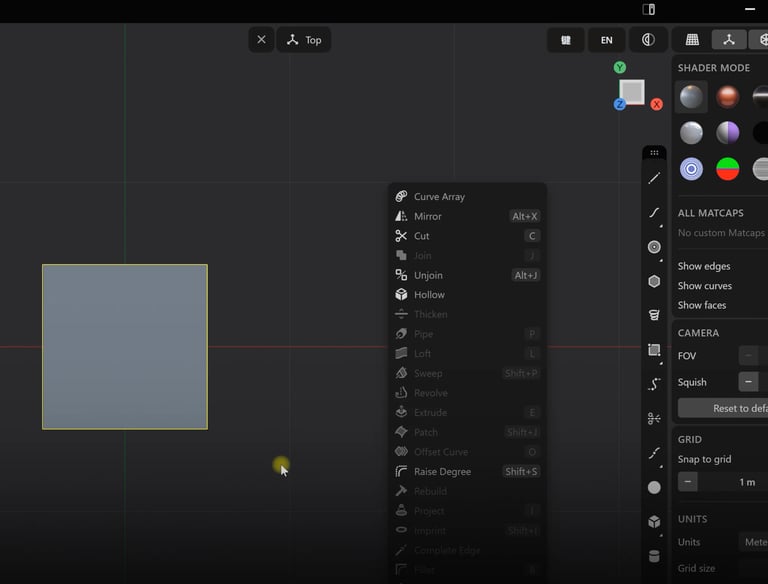
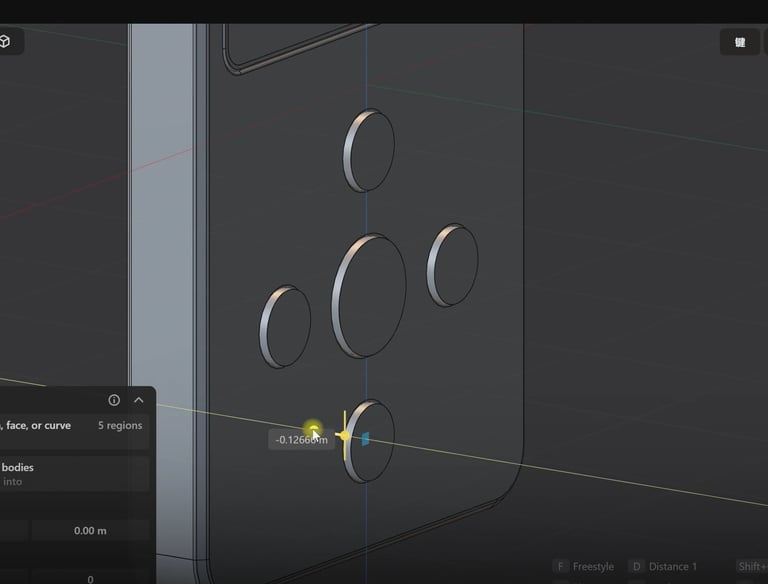
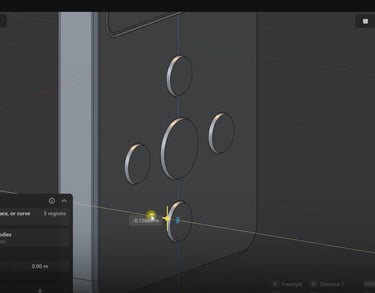
MODULE 5. Shift+F panel and tools
We're gonna see how to use each tool in this panel, really helpful for future work
We will model our first 3D player in Plasticity 3D. Step-by-step lesson
MODULE 6. Modeling Practice
MODULE 7. Export with Blender Bridge addon
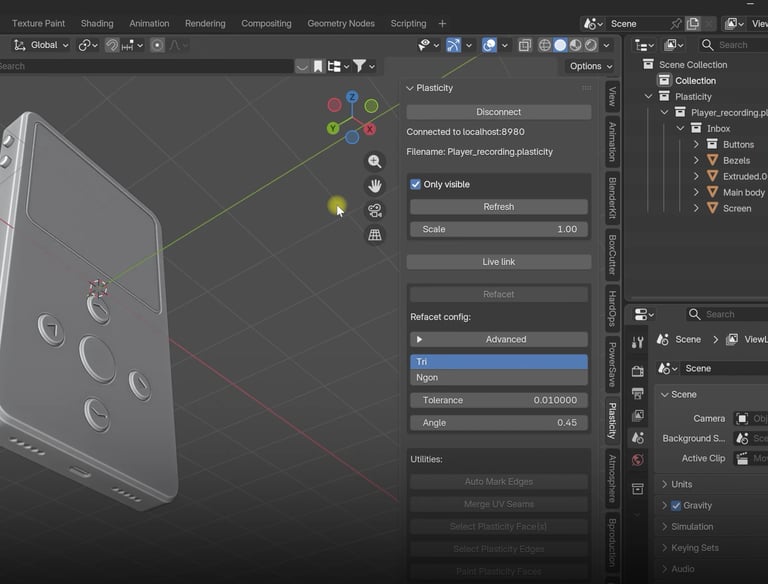
We will export using the Blender Bridge add-on and without it.


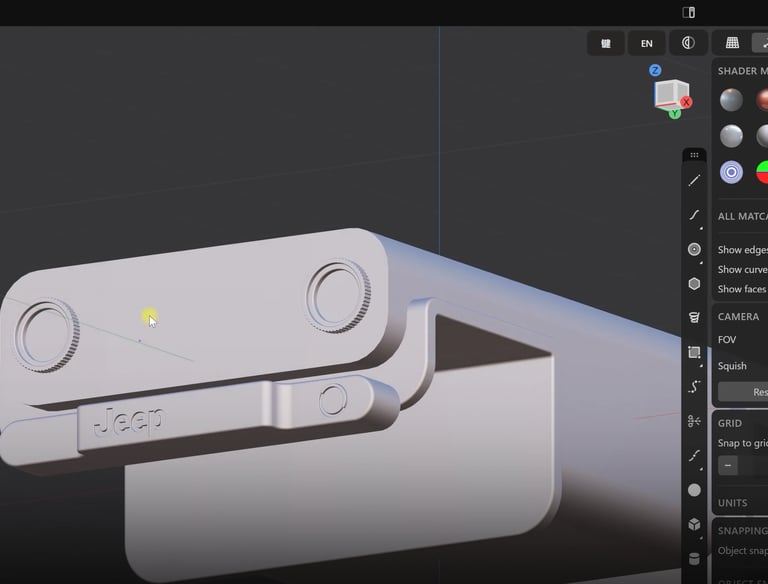
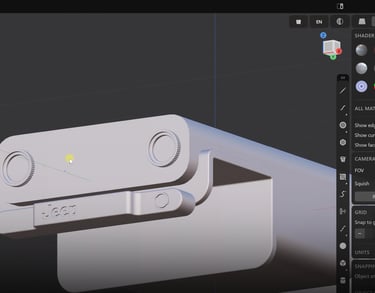
MODULE 8. Texturing, Lighting and Rendering in Blender 3D
We will texture and render our player. Nothing fancy. Easy techniques.
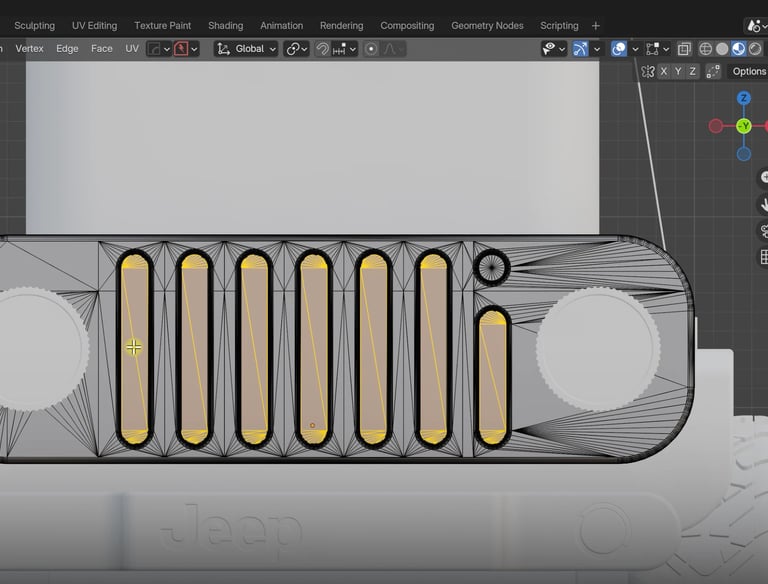
We will model the biggest parts of our car and a logo
MODULE 9. Blockout and some details
MODULE 10. Details of the car
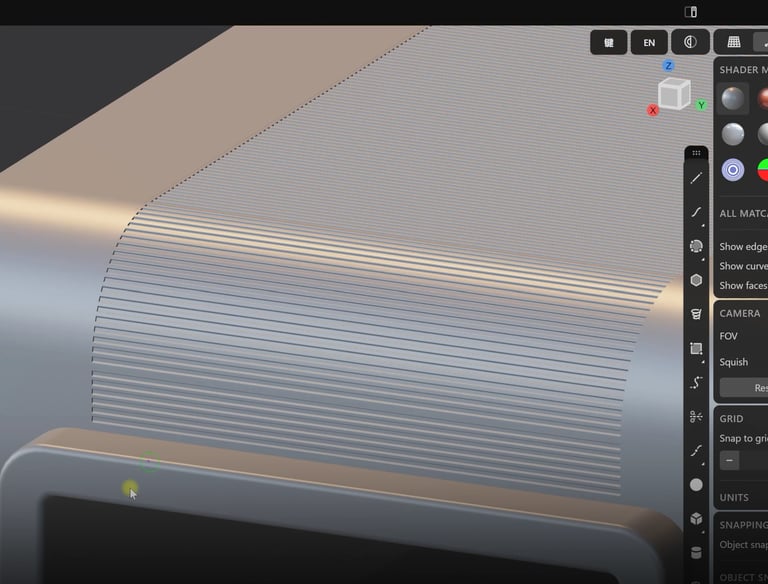
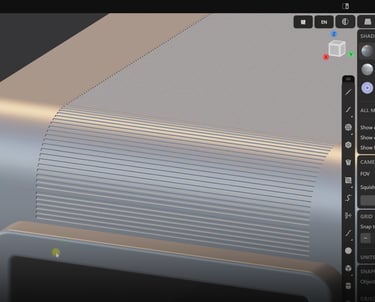
Intermediate module with some interesting techniques
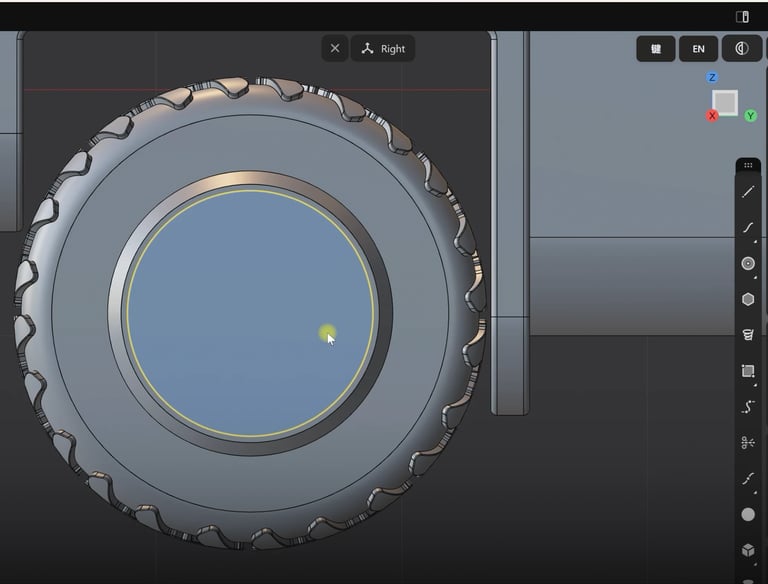
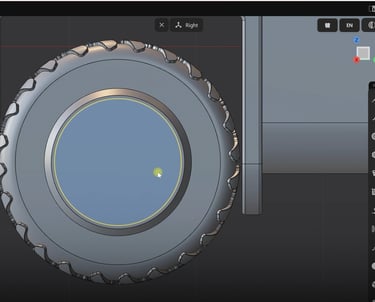
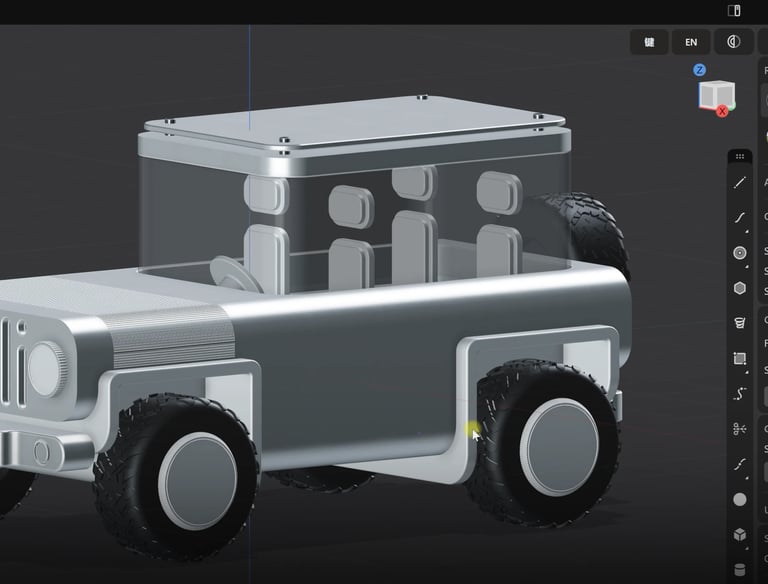
MODULE 11. Creating Tires
Intermediate module with tire modeling technique
We continue modeling our car: seats, glass, cabin, steering wheel
MODULE 12. Modeling Details


MODULE 13. Finish modeling
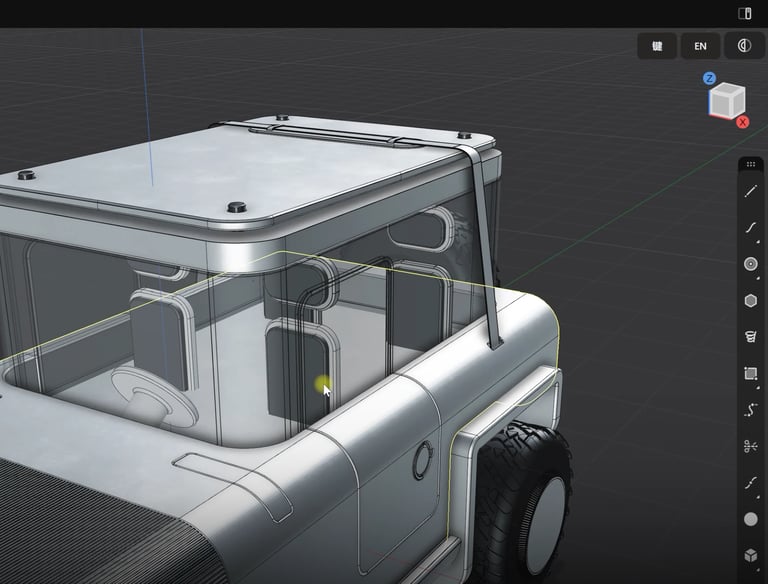
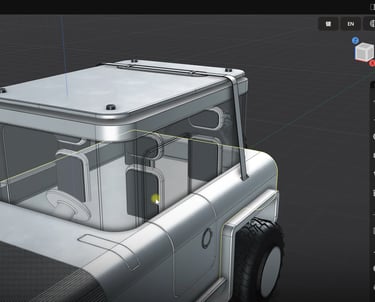
We will add some details and finish modeling process
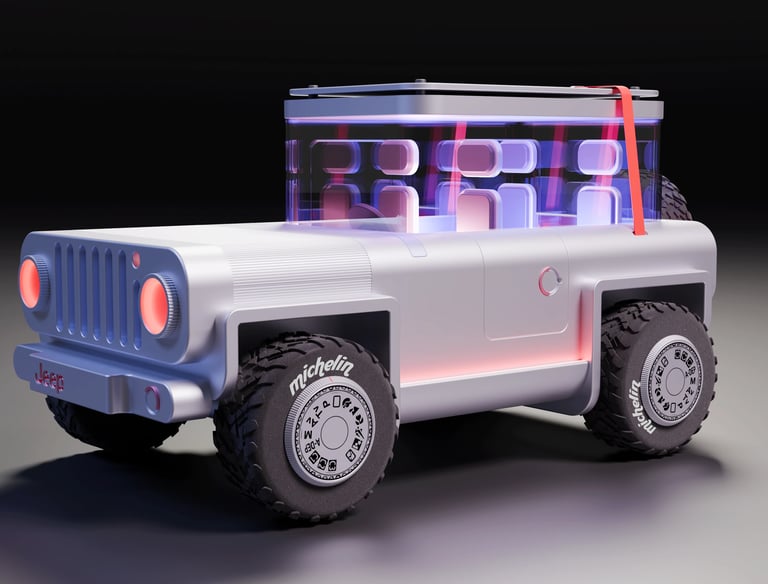
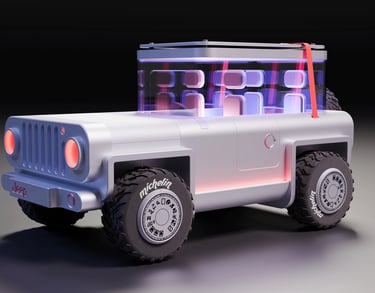
MODULE 14. Export and Texturing in Blender 3D. Part 1
We will export and start texturing in Blender 3D
We continue texturing and rendering in Blender 3D
MODULE 15. Export and Texturing in Blender 3D. Part 2
Frequently asked questions
Is this course for beginners?
Yes, completely. You'll learn a lot, especially if you're looking ot enhance your knowledge in 3D design and modeling or if you're just a complete beginner. This course is easy to follow, step-by-step.
How long does it take to finish?
You're gonna learn on your own schedule. No limitations. But this is a big course with 15 Modules, some of them are 30 minutes each, so take your time. 1-2 modules per day, and you'll finish in 1-2 weeks.
How much does it cost?
My course is completely free. I'm sharing my knowledge with you so you can start right away with awesome renders at the end!
Is this only a Plasticity 3D course?
No, my course includes unique Blender 3D modules as a free bonus, and we will export, texture, and render our shots in Blender 3D.
When can I start?
Just fill out the application form with your name and email, join my community, and start right away! Wait for the email.
Where is the course?
Apply for a course, fill out the form, confirm the email, and join my Skool community. You'll get access after you fill out the form.
Zero to Render: Rapid Modeling in Plasticity 3D Free Course